Paint by number · from your own photos

Your photo becomes
the puzzle.

Pick any picture — your dog, your kid, a vacation shot — and SnapPaint turns it into a color-by-number you fill in one tile at a time, right on your phone. Then watch your own photo develop.

Scan to get SnapPaint on your phone — free.
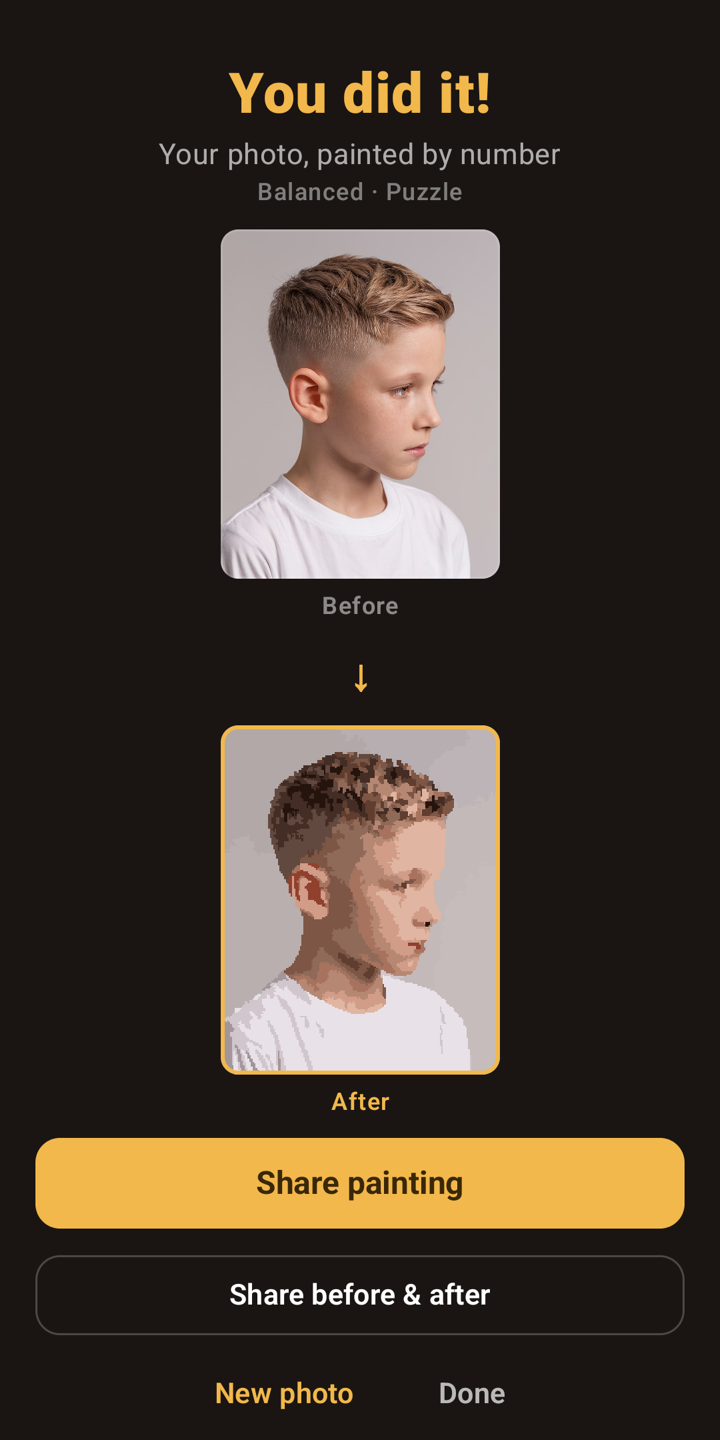
SnapPaint showing a photo of a boy converted to a paint-by-number, before and after
How it works

Three taps to your own puzzle

No stock pictures, no accounts, nothing uploaded. Everything happens on your phone — your photos never leave it.

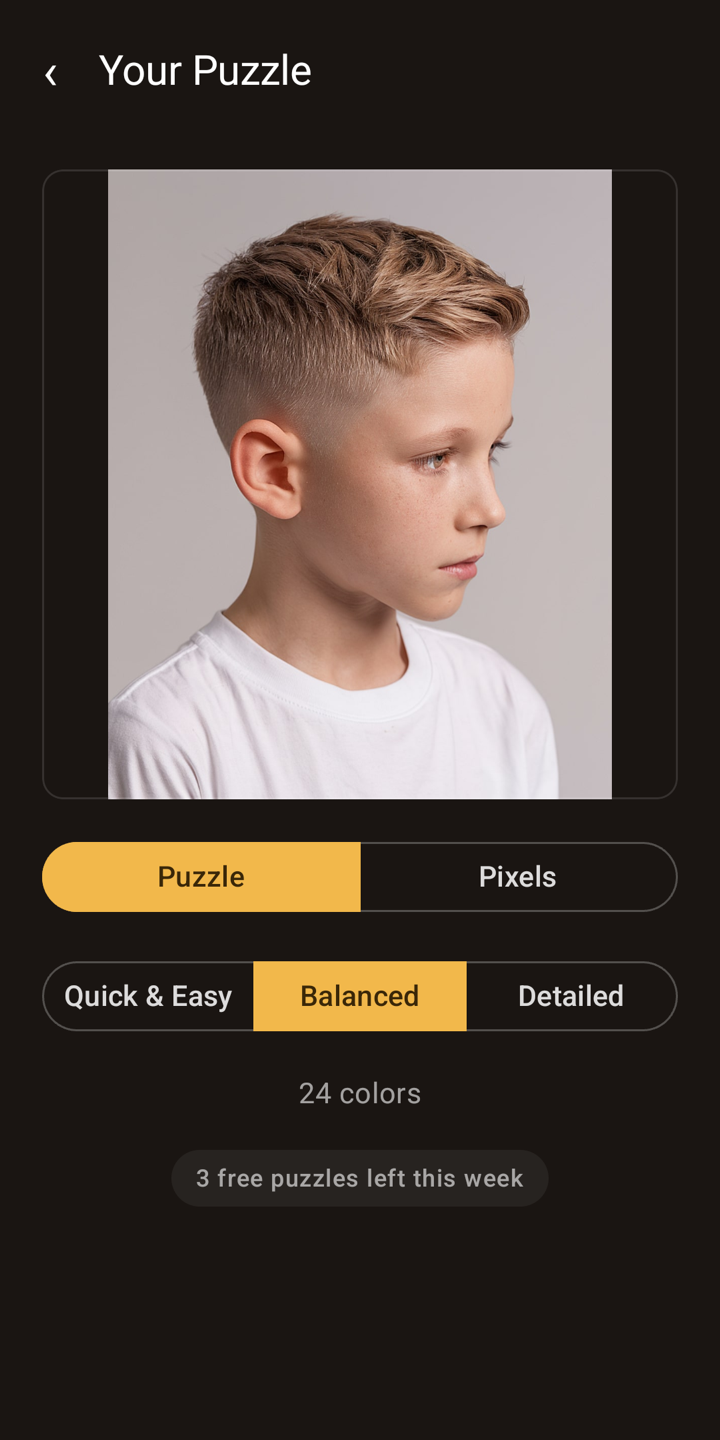
Choosing a photo and difficulty in SnapPaint
1

Pick a photo

Choose any picture from your library and a difficulty — Quick, Balanced, or Detailed.

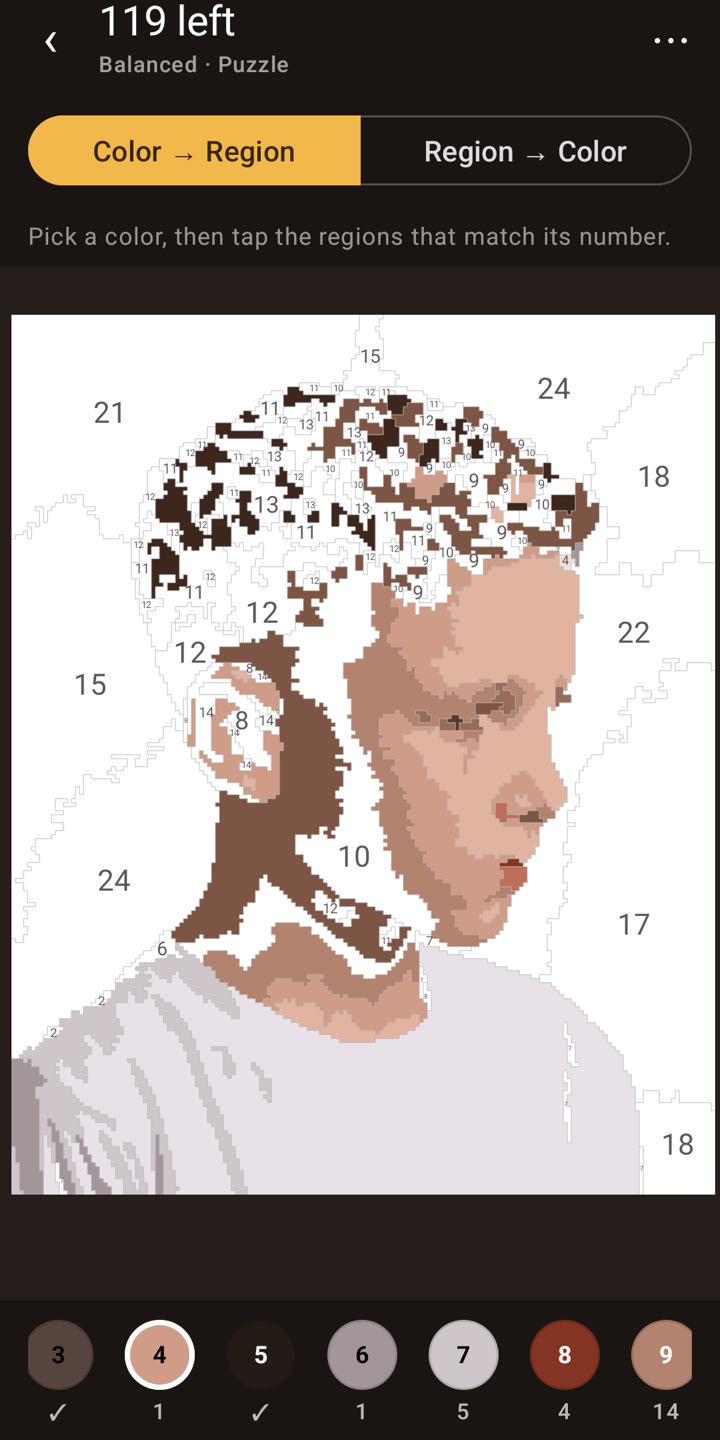
Filling in numbered regions of a paint-by-number in SnapPaint
2

Fill it in

Tap the numbered tiles to drop in each color. Zoom in for the fine details.

The finished painting revealed next to the original photo
3

Watch it develop

Your photo comes back to life tile by tile — then share the before & after.

Not another stock color-by-number

📸

Your own photos

The puzzle is your dog, your kid, your trip — not a generic template everyone else is coloring.

🔒

Private by design

Conversion runs entirely on your device. Nothing is uploaded and no account is required.

🎚️

As easy or detailed as you like

Quick, Balanced, and Detailed modes set how many colors and regions — from a few minutes to a long, relaxing session.

Turn a photo into a painting tonight

Free to download. Your first puzzles are on the house.

Download on theApp Store Get it onGoogle Play

iPhone & iPad · Android phones & tablets